Road Feel Driving Trainer
Reviews
Road Feel Driving Trainer succeeds as an educational driving tool. The selection of vehicles, from agile buggies to heavy trucks, clearly demonstrates how weight and size impact handling. The driving exercises are well-structured, gradually increasing in complexity. The option to switch between automatic and manual transmission adds depth. Running entirely in the browser without downloads makes it accessible to anyone. This is a solid resource for new drivers or anyone curious about vehicle dynamics.
Description
Vehicle Selection & Behavior
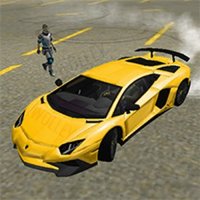
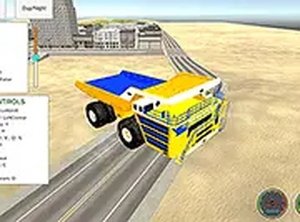
Road Feel Driving Trainer offers a range of vehicle types, including small buggies, standard cars, and large trucks. Each vehicle has unique acceleration, braking, and cornering characteristics. The buggy feels light and responsive, while the truck requires more careful steering and longer stopping distances. This variety lets you compare how weight and size affect on-road performance.
Driving Exercises & Feedback
The core activity involves completing a series of driving exercises. These tasks are designed to teach you how each vehicle reacts in different situations. You might practice smooth acceleration, controlled braking, or navigating turns. The game provides immediate feedback on your performance, helping you improve with each attempt.
Controls & Customization
You can choose between automatic and manual transmission. Automatic mode simplifies driving, while manual mode gives you more control over gear changes and engine braking. Use your keyboard and mouse to steer, accelerate, and brake. The interface is straightforward, so you can focus on learning rather than figuring out complex controls.
Accessibility & Platform
This simulator runs entirely in your web browser. There is no software to install or download. You can start practicing immediately on any device with an internet connection. Full-screen mode is available to reduce distractions and improve concentration during exercises.
Learning Progression
The exercises are arranged to gradually increase in difficulty. Early tasks focus on basic vehicle control, while later ones require more precise handling. This structure helps build confidence and skill over time. Repeating exercises with different vehicles reinforces the lessons about vehicle dynamics.